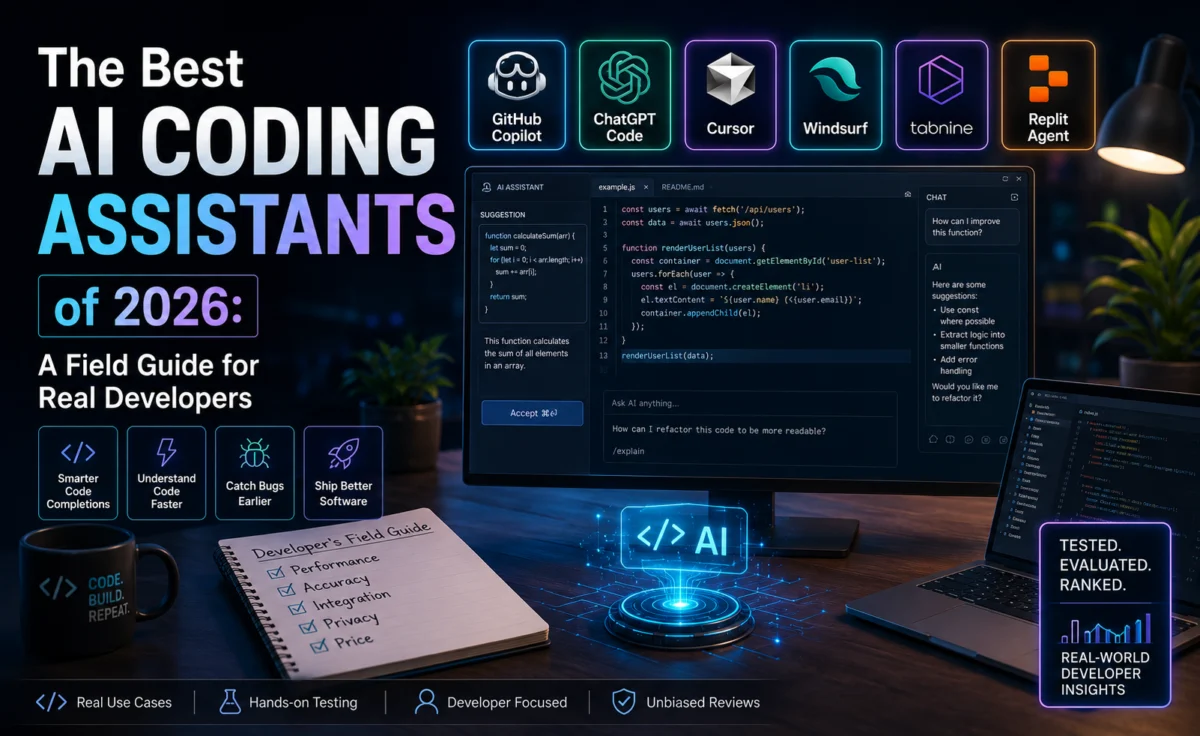
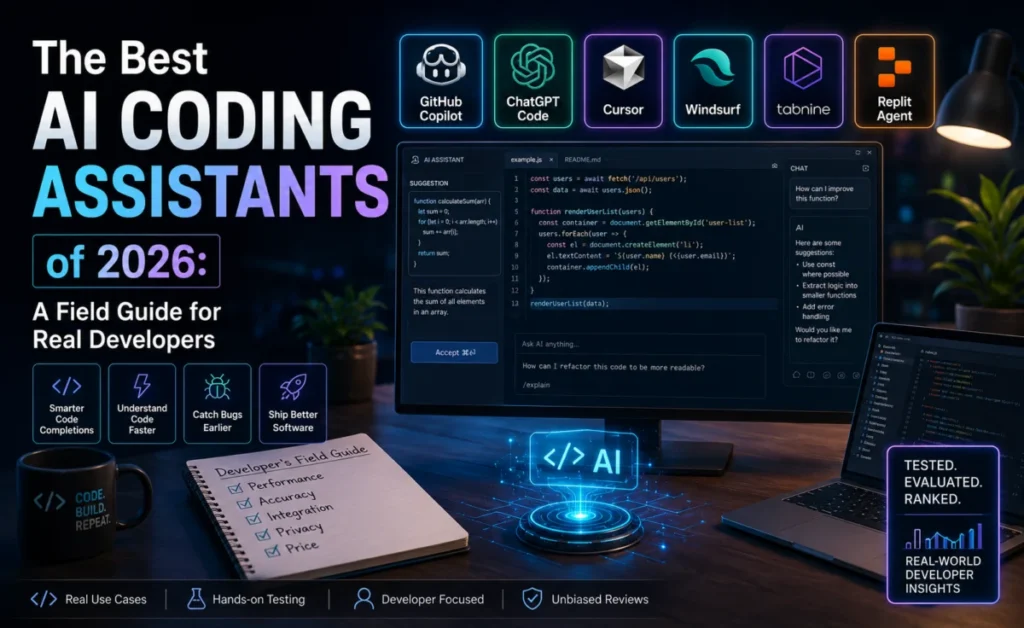
There is no single best AI coding assistant in 2026, and anyone selling you one is skipping the part where your workflow actually matters. There is, however, a right answer for your situation — and it usually comes down to four questions: where do you spend your day (editor or terminal), how big and messy is your codebase, how much do you care about model or data control, and how much are you willing to pay for the sharpest possible agent versus a merely very good one.
This guide walks through the field as it stands right now, organized by the decision that actually matters rather than by hype.
Start with where you work, not what’s trending
The single biggest mistake developers make when choosing a coding assistant is picking based on which tool is loudest on social media that week, rather than which tool fits where they actually spend their time. An editor-first developer forcing themselves into a terminal-native workflow — or vice versa — will fight the tool more than they benefit from it, regardless of how capable that tool is on paper.
If you live in an editor
Cursor remains the most complete answer for editor-first developers in 2026. Built on a familiar VS Code foundation, it preserves your existing extensions and keybindings while adding an agent layer capable of coordinated multi-file edits, fast propose-test-revise loops, and flexible model switching. For most professional developers doing day-to-day feature work and refactors inside an IDE, it’s still the safest default.
GitHub Copilot is the right editor-first pick when price, universal editor support, or enterprise GitHub integration outweigh chasing the absolute sharpest agent capability. Its free tier and low-cost Pro plan make it the easiest on-ramp into the category, and its native GitHub integration is hard to beat for large, already-standardized engineering orgs.
Windsurf sits between the two — a full agent-native IDE with a more opinionated, polished experience than Copilot but a more closed, curated model layer than Cursor’s flexible switching.
If you live in the terminal
Claude Code is the clearest terminal-first pick, and by several independent 2026 benchmarks — including SWE-bench Verified rankings that place it at or near the top of the category — one of the strongest options overall regardless of interface. Its large context window makes it particularly strong on big, unfamiliar, or sprawling monorepos, and its narrated reasoning style makes debugging sessions genuinely easier to follow and trust.
Aider remains the standout free, open-source CLI option for developers who want a lightweight, scriptable, terminal-native tool without committing to a paid product — a strong pick for solo developers, tinkerers, and anyone who wants full visibility into a simple, hackable tool.
If control and model choice matter most
Continue and Cline both prioritize openness over polish — extensions that live inside your existing editor, fully model-agnostic, and capable of running against locally hosted models for teams with strict data-residency or compliance requirements. Neither tops the raw capability benchmarks, but for regulated industries or teams that have already standardized on a specific model provider, that tradeoff is often the correct one.
Tabnine continues to serve a similar niche at enterprise scale — strong self-hosted and on-premises options for large organizations where “the code never leaves our infrastructure” is a hard requirement rather than a nice-to-have.
A quick-reference comparison
| Tool | Best for | Format | Pricing tier |
|---|---|---|---|
| Cursor | Editor-first multi-file work | Standalone IDE (VS Code-based) | Free + ~$20/mo, usage-based scaling |
| Claude Code | Terminal-first, large repos | CLI | ~$20–$200/mo by usage tier |
| GitHub Copilot | Beginners, enterprise GitHub shops | Editor extension (any major IDE) | Free tier + ~$10/mo Pro |
| Windsurf | Polished, opinionated agent IDE | Standalone IDE | Comparable to other mainstream IDEs |
| Cline | Open, model-agnostic control | Editor extension | Free tool; pay only for the model behind it |
| Continue | Privacy-first, self-hosted setups | Editor extension | Free/open-source core |
| Aider | Free, scriptable CLI | CLI | Free/open-source |
| Tabnine | Regulated enterprise teams | Editor extension | Enterprise pricing, on-prem options |
What actually separates the good from the great in 2026
Four factors keep showing up as the real differentiators once you look past the marketing:
- Context handling. How well a tool understands your whole repository — not just the open file — determines whether suggestions feel psychic or scattershot on anything beyond a small project.
- Agent behavior under ambiguity. Every major tool looks good on a clean, well-specified task. The gap shows up on vague, cross-cutting problems, where some agents narrate a clear investigation and others just guess confidently.
- Cost discipline. Agentic tools bill for tokens burned during reasoning, not just output. A tool that “fails smart” — recognizing a dead end quickly instead of grinding through a long, expensive, wrong attempt — saves real money at scale, especially for teams running these tools continuously.
- Fit with existing workflow. The most capable tool in the world is worth less than a very good tool that matches how your team already works. Migration cost is a real cost, and it’s the one most comparisons ignore entirely.
A simple decision framework
If you had to boil 2026’s entire landscape down to one flowchart, it would look roughly like this: decide editor versus terminal first. Within editor-first, pick Cursor for maximum agent capability, Copilot for price and universal support, or Windsurf for a polished all-in-one experience. Within terminal-first, pick Claude Code for maximum capability on large repos, or Aider for a free, lightweight option. If data control or model independence is a hard requirement regardless of interface, look at Cline, Continue, or Tabnine before anything else — and test your top two candidates on a real piece of your own codebase before committing a whole team to either one.
Three developers, three very different right answers
To make the framework concrete, consider three developers evaluating the same landscape from different starting points.
The first is a solo indie developer building a small SaaS product, working alone in VS Code, cost-sensitive, and not touching any codebase larger than a few hundred files. For this developer, GitHub Copilot’s free tier and low-cost Pro plan hit the sweet spot — the codebase isn’t large enough to stress-test deep context handling, and the price difference between Copilot and a heavier agent-first tool is a meaningful chunk of a bootstrapped budget.
The second is a senior engineer at a mid-sized company doing constant multi-file refactors on a codebase that’s grown organically over six years, with plenty of inconsistent patterns left over from earlier team decisions. For this engineer, Cursor’s combination of familiar editor foundation and strong agent-mode multi-file coordination is likely to earn its higher price back quickly, purely in hours saved on the refactors that used to eat whole afternoons.
The third is a platform engineer at a larger organization, spending most of the day in the terminal managing infrastructure code across a sprawling, multi-service monorepo with dozens of contributors and no single person who understands the whole thing. For this engineer, Claude Code’s large context window and terminal-native design are close to a direct fit for the actual daily workflow, and the benchmark strength on real-world verified bug fixes is a genuine, not just theoretical, advantage on the kind of ambiguous, cross-cutting problems this role deals with constantly.
None of these three developers is wrong, and none of them would necessarily be well served swapping tools with each other. That’s the whole point of a field guide instead of a single ranked list: the “best” tool is a function of the person asking, not a fixed property of the tool itself.
Frequently asked questions
Do I have to commit to just one assistant? No — plenty of developers run two, using one for daily inline completions inside an editor and a second, more agentic tool for occasional deep terminal-based debugging sessions. The cost of running two is usually small compared to the cost of forcing a single tool to cover every scenario well.
How much does benchmark score actually matter compared to workflow fit? Less than it might seem. Benchmarks like SWE-bench Verified are a useful signal of raw problem-solving capability on real, verified bugs, but they say nothing about whether a tool fits how you actually spend your day — and a slightly less capable tool that fits your workflow well will usually beat a slightly more capable one that constantly fights your habits.
Is it worth switching if my current tool is “good enough”? Only if a specific, recurring pain point points clearly at a gap — slow context handling on a growing codebase, a price that’s becoming a real budget line item, or a compliance requirement your current tool can’t meet. Switching for its own sake, chasing whichever tool is trending that month, usually costs more in migration friction than it saves in marginal capability.
What’s the single most useful thing to test before committing a whole team to one tool? Take your two leading candidates and run them both against a real, moderately hard bug from your own backlog — not a toy example. The gap between tools shows up far more clearly on your actual codebase’s quirks than on any generic benchmark or demo.
The bottom line
The AI coding assistant category matured a lot faster than most software categories usually do, and 2026’s field reflects that — genuine specialization instead of everyone chasing the same generic feature list. The right move isn’t finding “the best one.” It’s being honest about where you actually work, how big your codebase actually is, and how much control you actually need — and then picking the tool that was built for exactly that answer.
About the Author