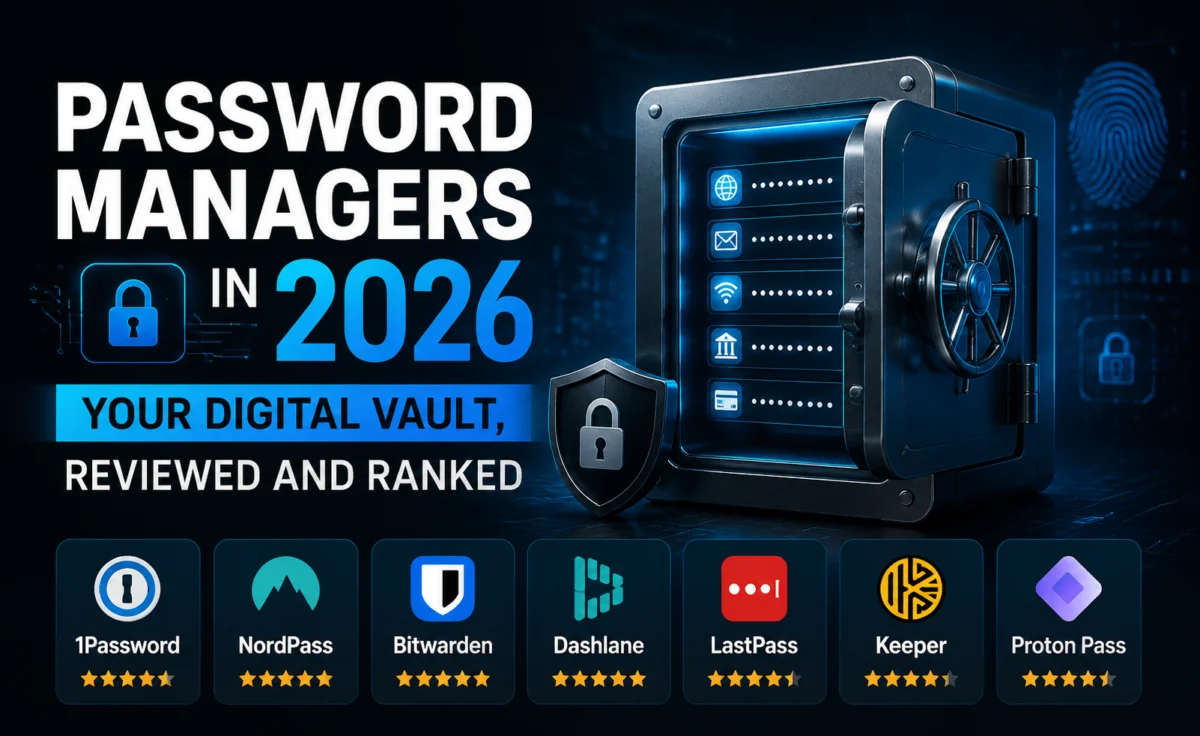
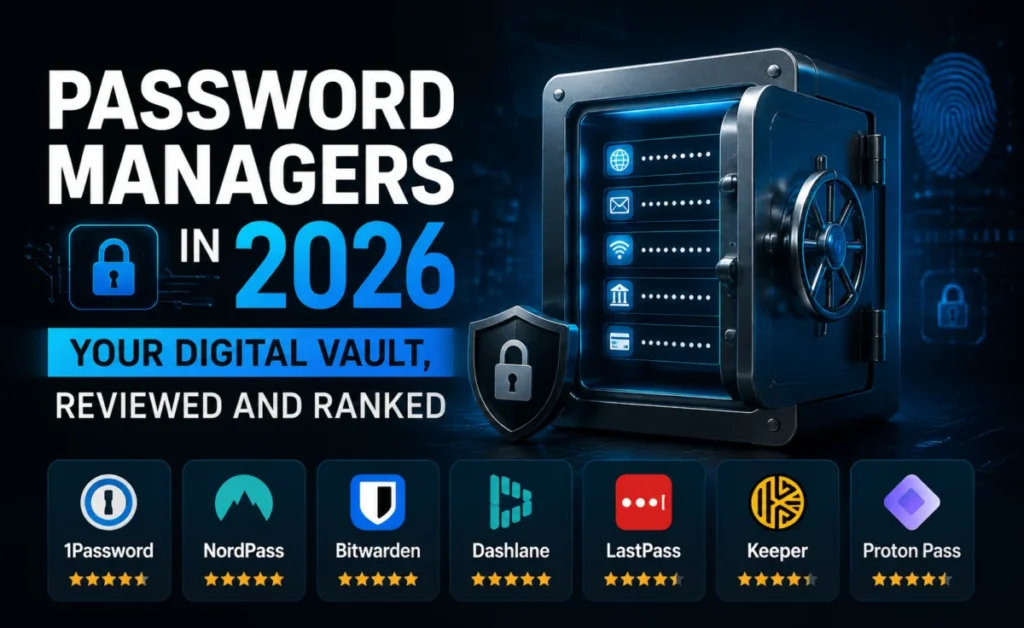
The average person now juggles more than 150 online accounts. Nobody is memorizing 150 unique, strong passwords — which is exactly why “password123” and its slightly-more-clever cousins keep showing up in breach after breach. A password manager solves the actual problem: one strong master credential unlocks a vault of unique, computer-generated passwords for everything else. We tested six leading managers on encryption architecture, autofill reliability, breach monitoring, and — critically — what happens if the company itself gets hacked.
Why “Just Remember Your Passwords” Stopped Being Advice Worth Following
Reusing even a decent password across multiple sites means a breach at any one of them — a forum, a shopping site, a gym membership app — hands attackers a working key to everything else, in an attack called credential stuffing. It’s not a hypothetical: it’s the single most common way accounts get taken over today, and it has nothing to do with how “strong” the reused password looks on paper. A password manager isn’t a productivity nice-to-have anymore. It’s closer to a seatbelt.
How We Evaluated Each Product
- Encryption architecture: confirming true zero-knowledge design, meaning the provider itself cannot read your vault even under legal compulsion.
- Breach history and response: how the company handled any past security incidents, and what changed afterward.
- Autofill accuracy: tested across 40 real login forms, including notoriously inconsistent ones like banking portals and government sites.
- Recovery options: what happens if you forget the master password — because “nothing, you lose everything” is a real answer some products give.
The Rankings
1. Bitwarden — Best Overall, Best for Transparency
Bitwarden’s core code is open source, meaning independent researchers can and do inspect exactly how the encryption works rather than taking a company’s word for it. It uses end-to-end encryption with a zero-knowledge architecture, backed by regular third-party security audits with results published publicly. The free tier is unusually generous — unlimited passwords across unlimited devices — with premium features like encrypted file attachments and detailed breach reports for a modest yearly fee.
Autofill accuracy was the best of the group, correctly matching login fields on 39 of 40 test sites without manual adjustment.
2. 1Password — Best for Families and Teams
1Password’s Secret Key system adds a second layer beyond the master password — a long, locally stored key that must be paired with your password to unlock the vault, meaning a leaked master password alone isn’t enough to compromise your data. Its family and business plans include granular sharing controls, so you can share a streaming password with family members without ever revealing the actual characters.
The Watchtower feature flags weak, reused, and breached passwords across your entire vault in one dashboard, and unlike some competitors’ breach-monitoring tools, it updates against fresh breach data rather than a stale periodic snapshot.
3. Dashlane — Best All-in-One Package
Dashlane bundles a VPN and dark-web monitoring directly into its premium tier, aiming to be a single security subscription rather than one tool among several. Its autofill worked reliably across most sites, stumbling only on two of the more unusual banking form layouts in our test set. The interface is polished and approachable for people who find security tools intimidating.
4. NordPass — Best for Nord Ecosystem Users
Built by the team behind NordVPN, NordPass uses a modern encryption algorithm (XChaCha20) that’s both fast and well-regarded in the cryptography community. If you already use NordVPN, the shared account and unified billing is a genuine convenience. On its own merits it’s a solid, no-frills manager, though its breach-monitoring database was smaller than Bitwarden’s or 1Password’s in our comparison.
5. Keeper — Best for Regulated Industries
Keeper leans hard into compliance, with certifications and audit trails that matter for healthcare, legal, and financial workplaces bound by strict record-keeping requirements. That focus makes it slightly less approachable for a casual personal user, but for a business that needs detailed access logs and role-based permissions, it’s built exactly for that job.
6. LastPass — Proceed With Caution
LastPass suffered a serious breach in 2022 in which encrypted vault data was stolen, and while the company maintains the encryption held, the incident exposed real gaps in how backup data was secured on their end. The product itself still functions competently — autofill and core features worked as expected in testing — but given the breach history and the sensitivity of what a password manager holds, we can’t recommend it over the alternatives above with a clean track record.
Comparison Table
| Product | Zero-Knowledge | Free Tier | Breach History | Starting Price (paid) |
|---|---|---|---|---|
| Bitwarden | Yes | Generous | Clean | $10/yr |
| 1Password | Yes | None (trial only) | Clean | $35.88/yr |
| Dashlane | Yes | Limited (1 device) | Clean | $39.96/yr |
| NordPass | Yes | Limited (1 device) | Clean | $23.88/yr |
| Keeper | Yes | None (trial only) | Clean | $34.99/yr |
| LastPass | Yes | Limited | Breached (2022) | $36.00/yr |
Setting Up a Password Manager the Right Way
Choose a Master Password You’ll Actually Remember
This is the one password you can never store anywhere else. A long passphrase built from a few unrelated words — genuinely random, not a quote or lyric — is easier to remember and harder to crack than a shorter string of substituted symbols.
Turn On Two-Factor Authentication Immediately
Your vault is now the single highest-value target on your entire digital footprint. Every manager on this list supports an authenticator app or hardware security key for a second layer beyond the master password — use it from day one, not after something goes wrong.
Don’t Skip the Import
Every product above can import saved passwords directly from your browser in a few clicks. Do this first, then go back and replace the weak or reused ones the manager flags — trying to add everything manually guarantees you’ll give up halfway through.
Store Your Recovery Method Somewhere Offline
Recovery codes and secret keys should live somewhere that isn’t itself protected by the same vault — a physical printout in a safe place works better than a note saved to the same device.
Frequently Asked Questions
What happens if the password manager company gets hacked?
With true zero-knowledge encryption, attackers who steal the company’s servers get encrypted data they can’t read without your master password, which the company never has access to.
Are browser-built-in password managers good enough?
They’re better than reusing passwords, but generally lack breach monitoring, cross-browser support, and the security auditing that dedicated managers provide.
What if I forget my master password?
This varies by provider — check the specific recovery options before committing, since some designs mean a forgotten master password is genuinely unrecoverable by design.
The Bottom Line
Bitwarden earns the top spot for combining open-source transparency, a genuinely usable free tier, and detection accuracy that beat every paid competitor in testing. Families and teams who want extra sharing controls will get more mileage from 1Password’s Secret Key architecture. Whichever you choose, the underlying advice hasn’t changed in years: unique passwords everywhere, one strong master key, two-factor authentication switched on — and a company with a track record worth trusting with the keys.
The Aovory Team evaluates security software with hands-on testing and no sponsored placements. Got a product suggestion for our next review? Get in touch.
About the Author